 Here we are!
 Call us! 48569248
 Hours 9:00 to 17:30 from Monday to Friday

2 Epson I3200 printheads
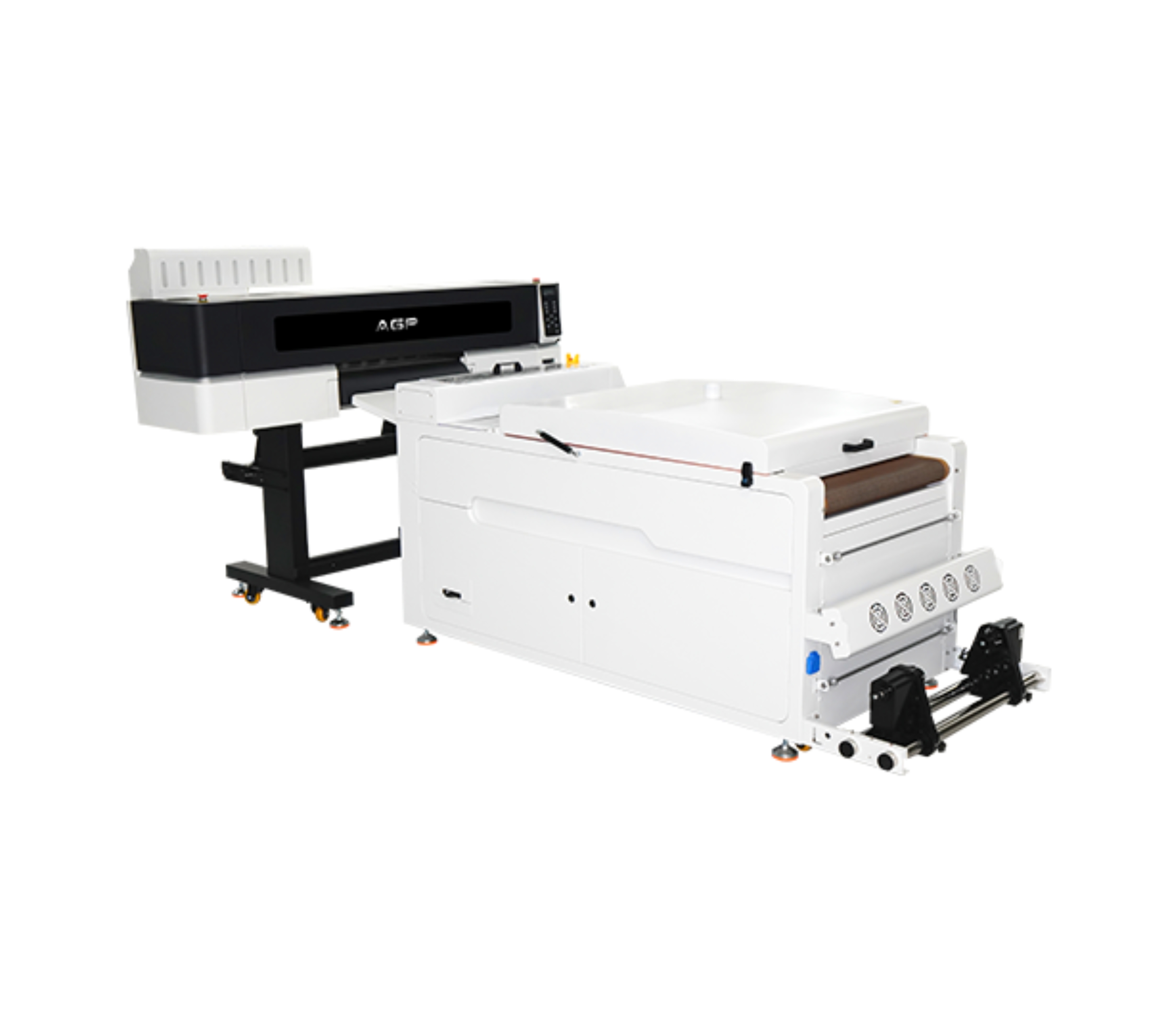
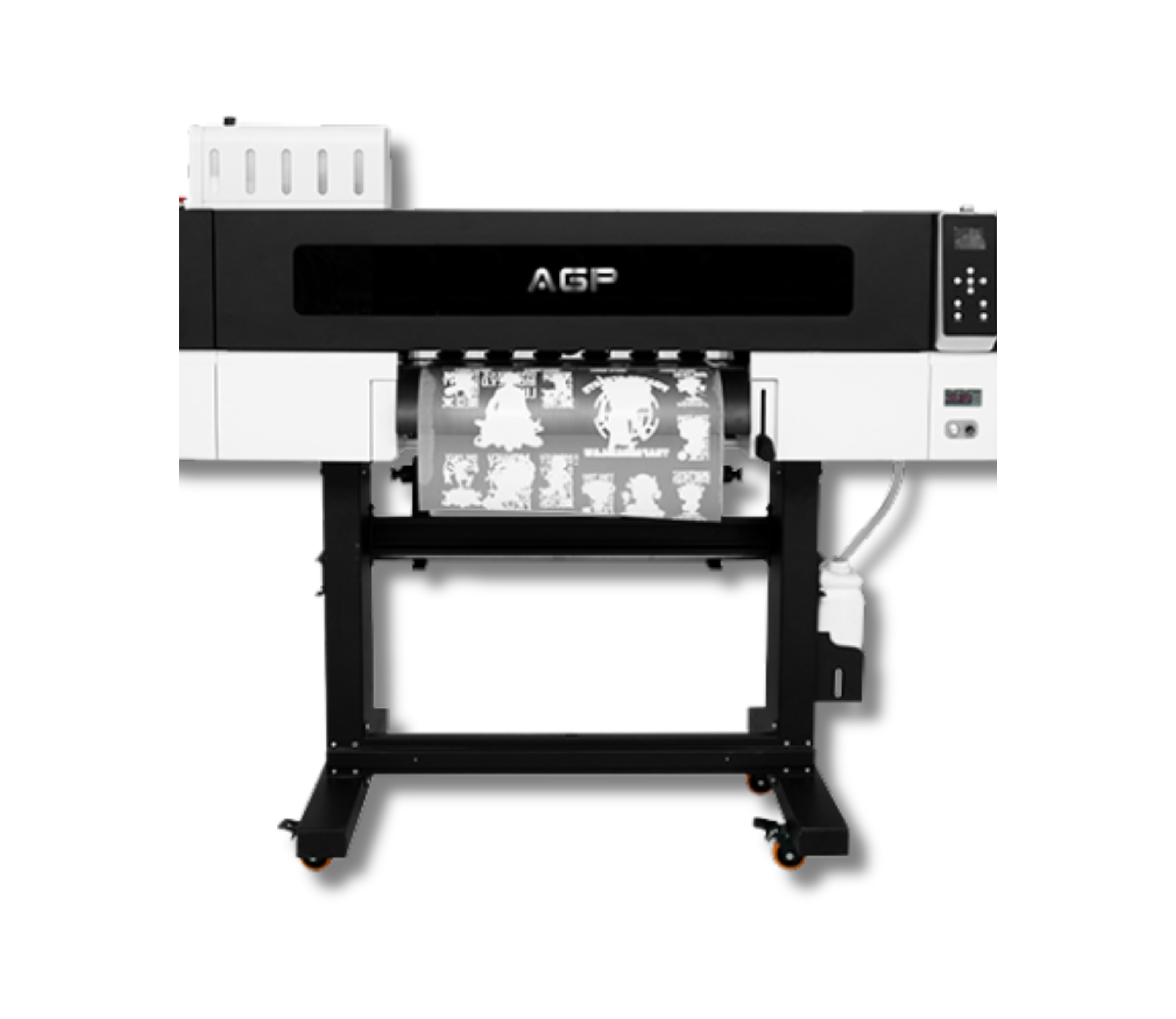
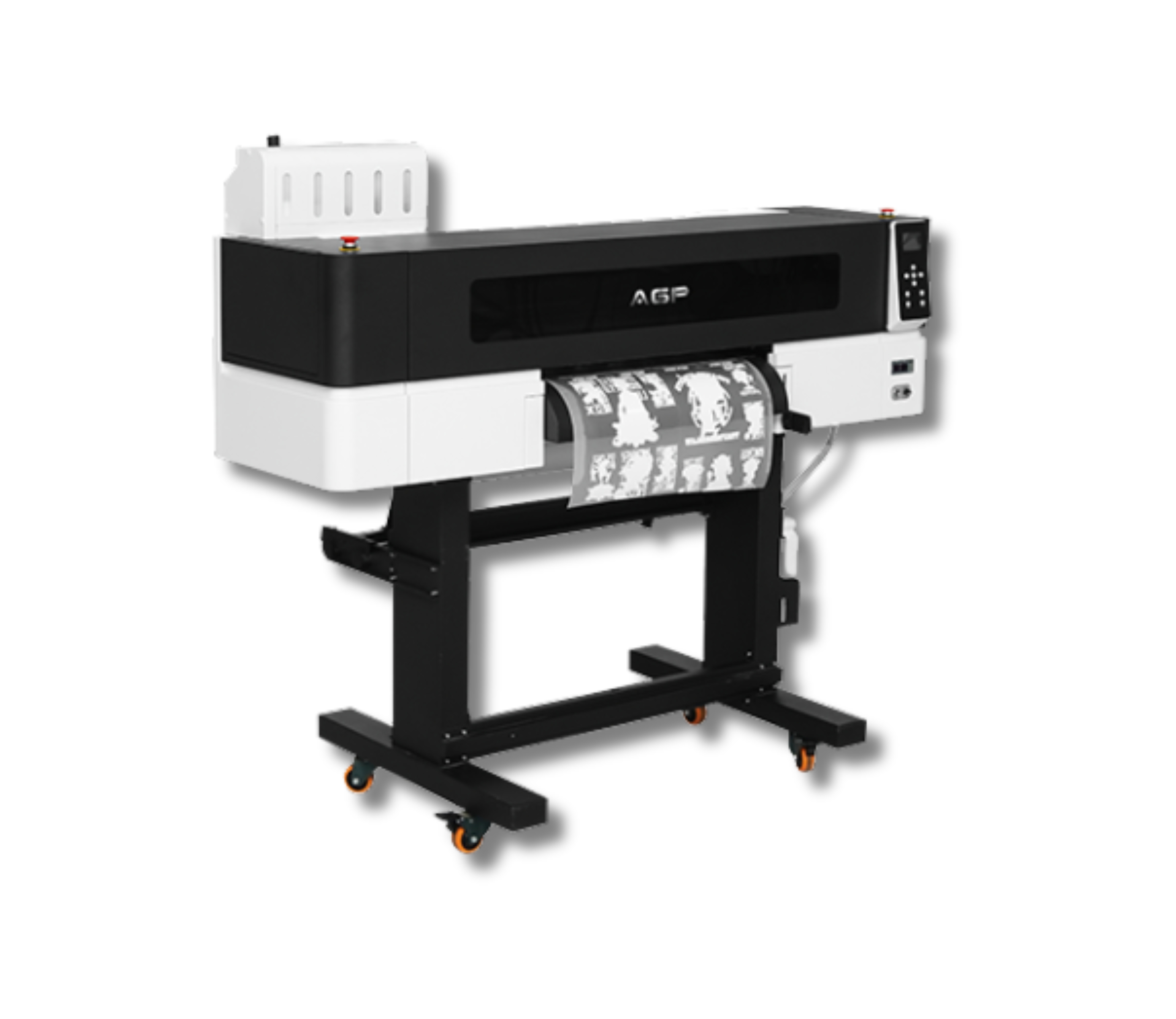
AGP 2 Printheads
Descripción
Description
Maximum print width: 600 mm
Maximum speed: 9 m²/h
Compatible media: 620-mm PET film
Number of printheads: 2
Software compatibility: Maintop / PhotoPrint / Riprint
Textile/Rigid Fabric Compatibility:
100% Cotton
100% Polyester
Cotton/Polyester Blends
Lycra/Elastane
Fleece/Rustic/Jersey
Sportswear
Dark, light, and brightly colored fabrics
Denim/Jeans
TNT (non-woven fabric)
Leatherette and some flexible synthetics
Related Products
-
 3 Epson I1600 printheadsMax width: 300mmSpeed: 7 m2/hMedia: Film A (with adhesive) + BRequest a quote
 -
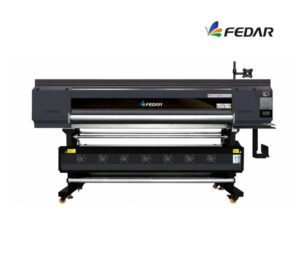 4 cabezales Epson I3200Max width: 1900mmSpeed: 170 m²/hMedia: Sublimation paper / transfer paperRequest a quote
 -
 1 Epson I3200 printheadMax width: 420mmSpeed: 3 m2/hMedia: Glass, plates, advertising signage, crystal, PVC, acrylic, synthetic leather, etc.Request a quote
 -
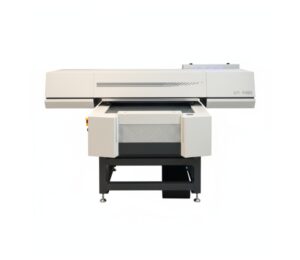 3 cabezales Epson I3200Max width: 600mmSpeed: 16 m2/hMedia: Glass, Acrylic, Tile / Ceramic Tile, Aluminum, iPhone Cases, Plastic, Foam Board, Wallpaper, Wall Art, Advertising Signage, Metal, Paper, Wood, MDF, Furniture, Cards, Marble, Golf Products, Gift and Promotional Items, Leather, PU, PMMA, PVC, PP, PE, PTFE, Plexiglass, Panels, Ceilings, Cardboard, Corrugated Cardboard, Chevron Panel, Fiberboard, Brick, Stone, Home Décor, Appliance Panels, Ceramic and Porcelain Tile, 3C Products, Oil Painting, Fresco, Sliding Doors, Photos, Marking and Signage, Exhibition / Trade Show Stands, etc.Request a quote